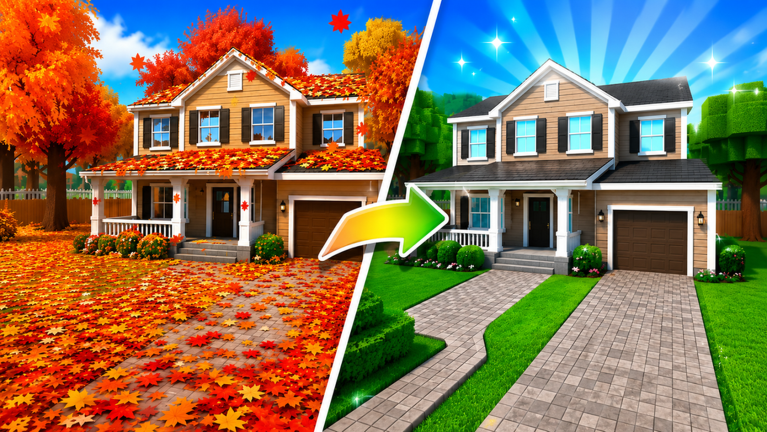
Garden Cleaner Evolution is an incremental ASMR leaf-sweeping simulator on Roblox where comfortable controls and clear UI navigation matter as much as upgrade math. This hub gathers everything about how you play — movement, sweeping, shop interactions, and the quest systems that award exclusive titles — separate from tool tier lists or script warnings elsewhere on the wiki.
Salient Experiences supports online shared servers with up to eight players. Smooth input helps you claim leaf piles fairly; understanding quests and titles gives long-term goals beyond the next broom purchase. Use this page as a table of contents before diving into child guides.
What you will find here
Controls and input — PC keyboard, mouse, and mobile touch layouts for sweeping, moving, interacting with vendors, and managing menus. Includes accessibility and ASMR pacing tips when you want a calm session instead of speed grinding.
Quests and titles — Repeatable objectives, milestone chains, and cosmetic title rewards that show flex above your character. Titles often tie to secrets, area completion, or rebirth counts documented on other guides.
This hub does not duplicate Getting Started onboarding step-for-step. New players should complete that guide first, then return here when they want precise button mappings or title hunting routes.
Why controls deserve their own section
Leaf simulators look simple — walk, swipe, sell — but Roblox cross-platform play adds friction. Mobile players tap and drag differently from PC players using keyboard movement plus click-to-sweep. Camera angle affects how much of a yard you see before competitors in shared servers reach the same piles.
Shop and rebirth menus hide multipliers, quest trackers, and area teleports behind small UI icons. Misclicking a purchase because you rushed a menu hurts more than a mis-swipe in the yard. The Controls page breaks down each surface with comfort tips for longer ASMR sessions.
Quests, titles, and social flex
Quest loops give structure when incremental grinding feels endless. Developers may require specific sweep counts, zone visits, secret discoveries, or rebirth milestones before awarding titles. Those titles appear above your avatar for other players in eight-user servers to see.
Title hunting interacts with progression systems:
- Secrets for hidden areas quests reference
- Areas and Progression for zone unlock order
- Updates Hub when patches add new title chains
Detailed quest steps live on Quests and Titles so this hub stays an overview.
Recommended reading order
- Getting Started — First launch and economy basics
- Controls — Platform-specific input and UI
- How to Play — Efficient sweeping routes
- Quests and Titles — Long-term objectives and flex rewards
From there, branch to Upgrade Priority for spending advice or Rebirth Guide when titles require reset milestones.
Shared server etiquette
Controls mastery includes respecting other sweepers. Avoid blocking vendor paths, spamming area teleports that bump players, or circling one player’s farm plot in crowded lobbies. ASMR-focused design rewards calm, rhythmic play — rushing inputs often wastes more time than it saves.
Accessibility and comfort
Long sessions benefit from lower mouse sensitivity, larger UI scale on mobile, and breaks between rebirth grinds. The Controls child page discusses camera settings and optional Roblox accessibility features that pair well with Garden Cleaner Evolution’s relaxed pacing.
Related wiki sections
Controls and titles connect to every major hub:
- Tools Hub — Upgrades you buy through shop UI
- Tier List Hub — What to purchase after you understand menus
- Guides Hub — Walkthroughs referencing quest requirements
- Codes — Redeeming promotional boosts from the UI
This is fan-maintained documentation for Garden Cleaner Evolution, not an official Salient Experiences controls manual. Report input changes after patches on Updates Hub so we can refresh child pages quickly.
Frequently Asked Questions
Quick answers for Garden Cleaner Evolution players.
Where are PC and mobile controls listed?
Open the Controls page in this section for keyboard, mouse, and touch mappings plus shop and UI navigation tips.
How do quest titles work?
Quests award cosmetic titles displayed above your avatar when you complete milestone objectives. See Quests and Titles for loop details and links to secret areas.
Should new players start here or at Getting Started?
Start at Getting Started for economy basics, then read Controls when you want exact input mappings and UI shortcuts.
Do controls differ between PC and mobile?
Yes. Movement and sweep gestures use platform-specific inputs. The Controls page covers both layouts and camera tips for shared servers.
Where do I track new quest titles after patches?
Check Updates hub for patch notes, then Quests and Titles for revised milestone lists when Salient Experiences adds content.